

Power BI Classes in Bakersfield

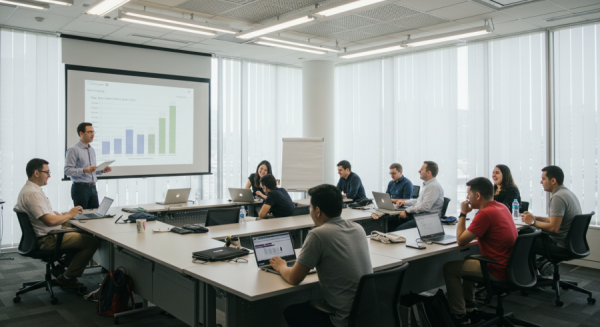

ONSITE TRAINING
At your office, home, conference room.. you name it. Training at your location, at your convenience.

Hands-On Approach
Zero boring slides.
100% active building.
Learn by doing.
NOT JUST TEACHERS
Classes are held by a professional with real-life day to day advanced Microsoft Power BI experience. We try to concentrate our focus on training students to be ready for working environment.

Contact Us
(661) 605-3138
Bakersfield Excel Classes by Chi Brander Inc.
2105 24th St
Suite 400
Bakersfield, CA 93301
On-Site & In-Person
Group Training
Hands-On Classes
Remote/Online Option Available
Introduction

Intermediate
Dax Functions
M Language
Turn operating records into useful Power BI reports
Practice connecting related data and presenting measures that answer a specific business question.
Agricultural throughput
Explore receipt and packing trends by product and reporting period, with filters that help teams compare volumes.
Equipment and maintenance reporting
Combine sample equipment, work-order, and downtime records to examine maintenance activity and recurring interruptions.
Distribution service measures
Compare shipment volume, delivery timing, and open orders across routes or customers using consistent definitions.
Healthcare administrative capacity
Use sanitized or sample data to compare staffing hours and service demand across departments and weeks.
Department spending dashboards
Model budget and expense tables, calculate variances, and let report readers move from an overview to individual categories.
Build a report your team can maintain
Follow a reporting project from its incoming files to an agreed refresh and ownership process.
Choose and connect sources